
Mediocre Minimal Launcher
A minimal home screen launcher. No ads, no bloat, no distractions.
Get it on Google Play
A minimal home screen launcher. No ads, no bloat, no distractions.
Get it on Google Play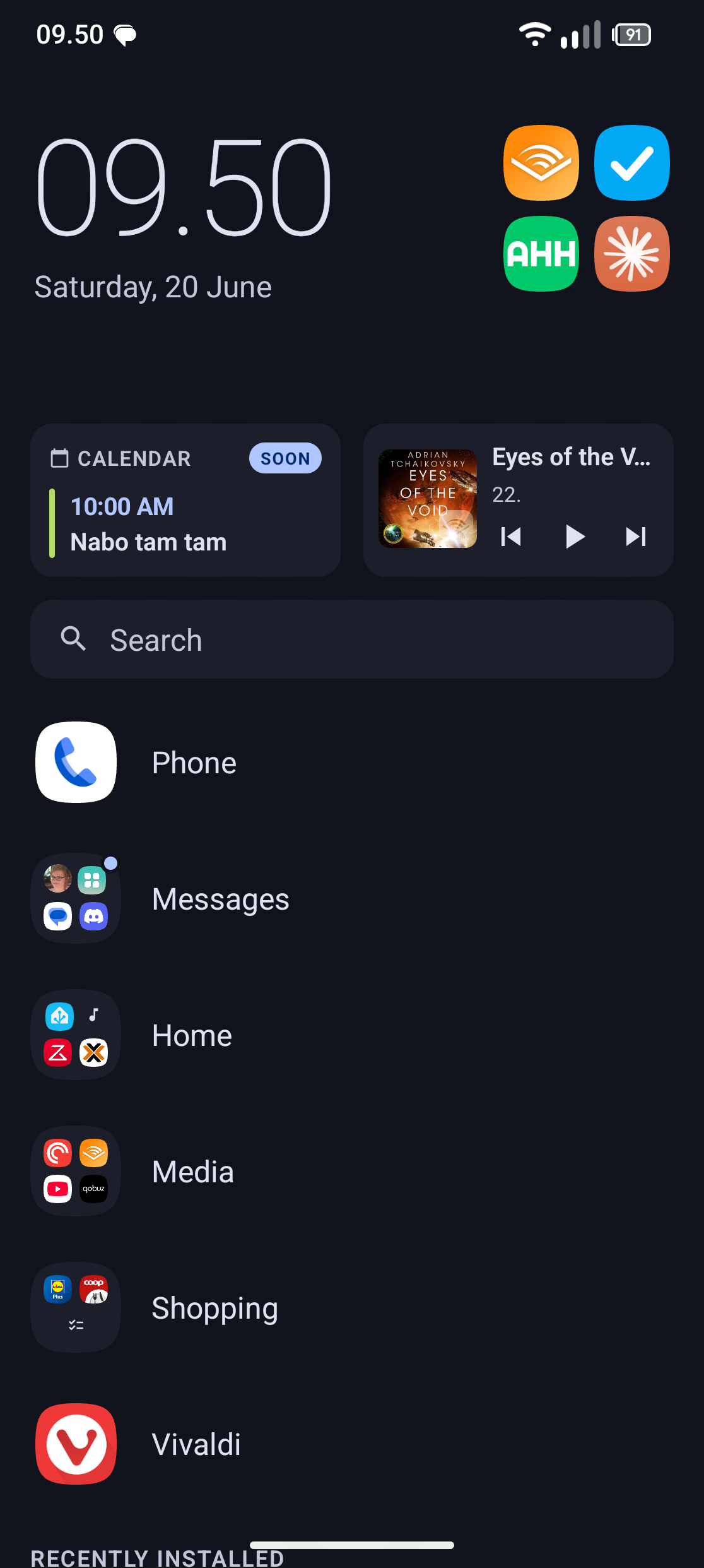
No ads. No analytics. No tracking. Everything stays on your device.
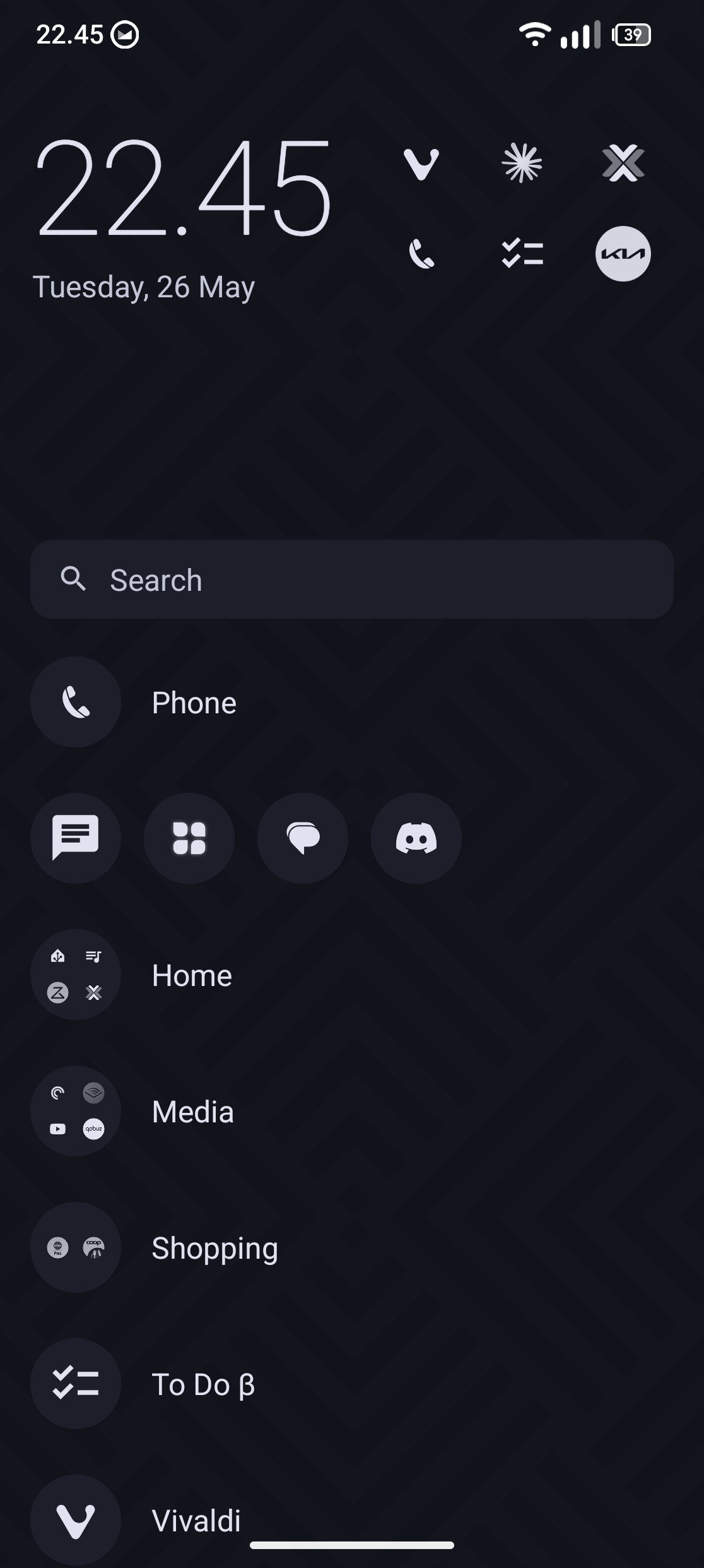
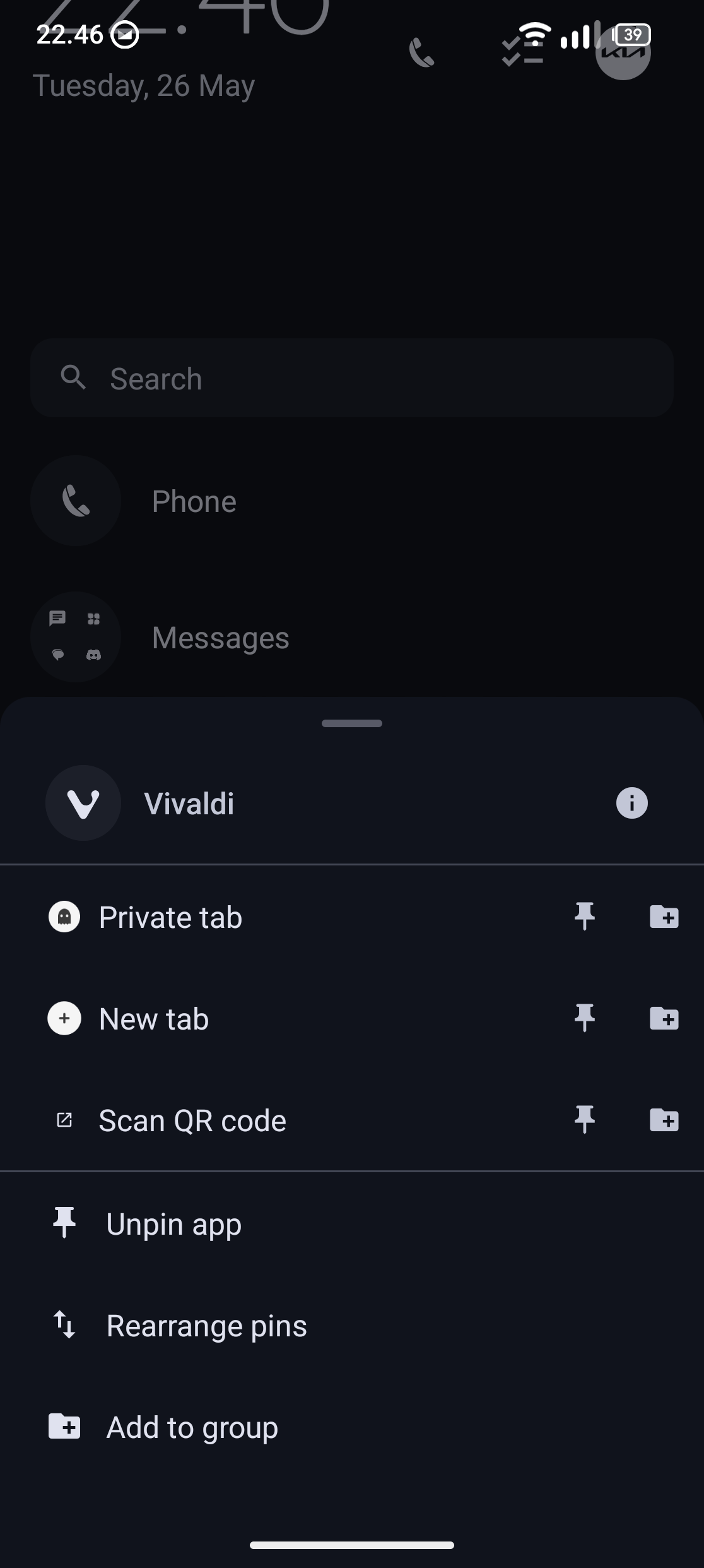
Pin the apps you actually use and organise them into named groups. Long-press any of them for its shortcuts.
Apps, contacts and app shortcuts as you type — with a calculator and unit conversion built in.
Today’s events and whatever’s playing, right on the home screen — each card turns up only when there is something to show. Recent apps can sit there too.
Five clock styles — Default, Giant, Vivid, Flip and Analog — or hand the job to any clock widget you like.
Pin the people you actually talk to. Call or message them in a tap, or find them from search.
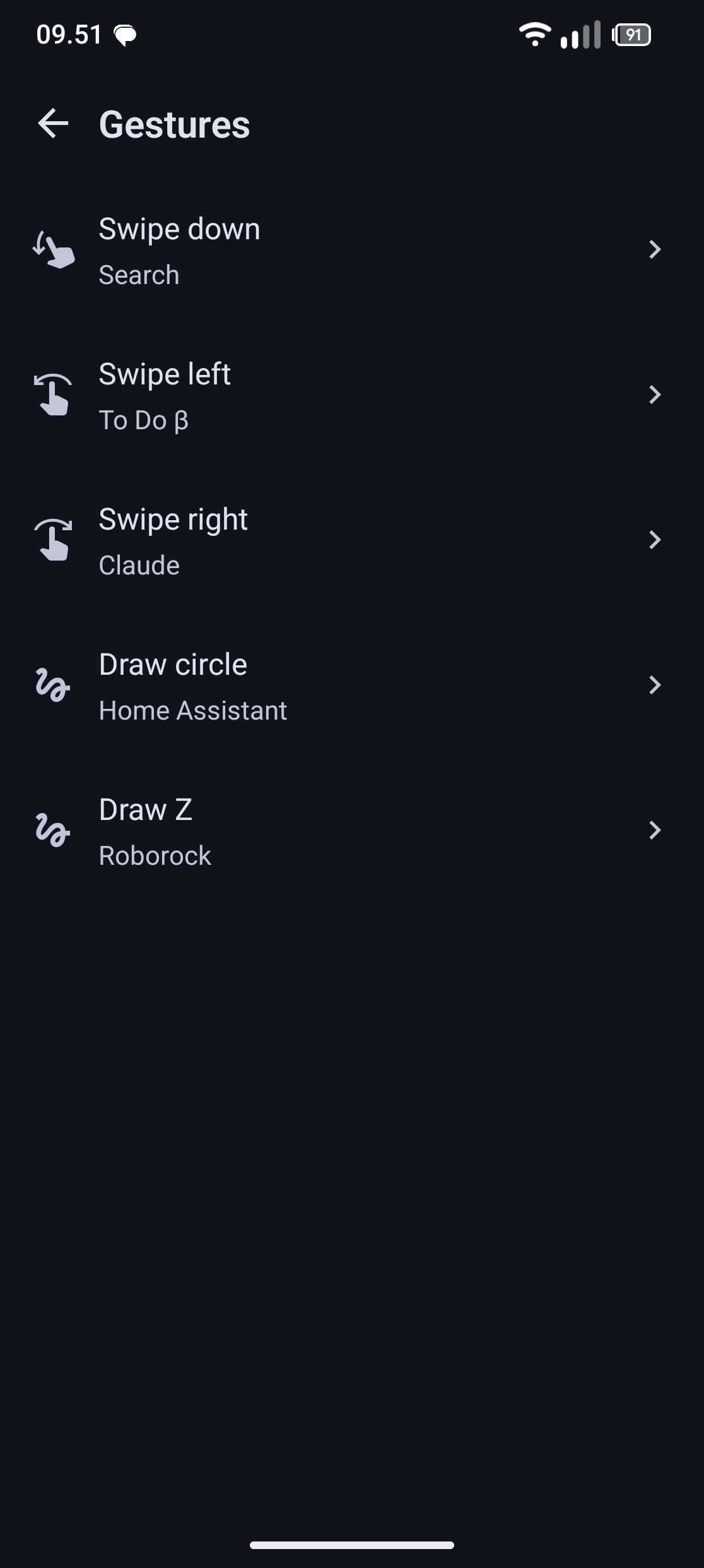
Map swipes (down, left, right) and drawn gestures (circle, Z) to an app, search, the notification shade, quick settings, the assistant or the lock screen.
Screen time, opens, daily averages and streaks for every app — worked out on your device from Android’s own usage data.
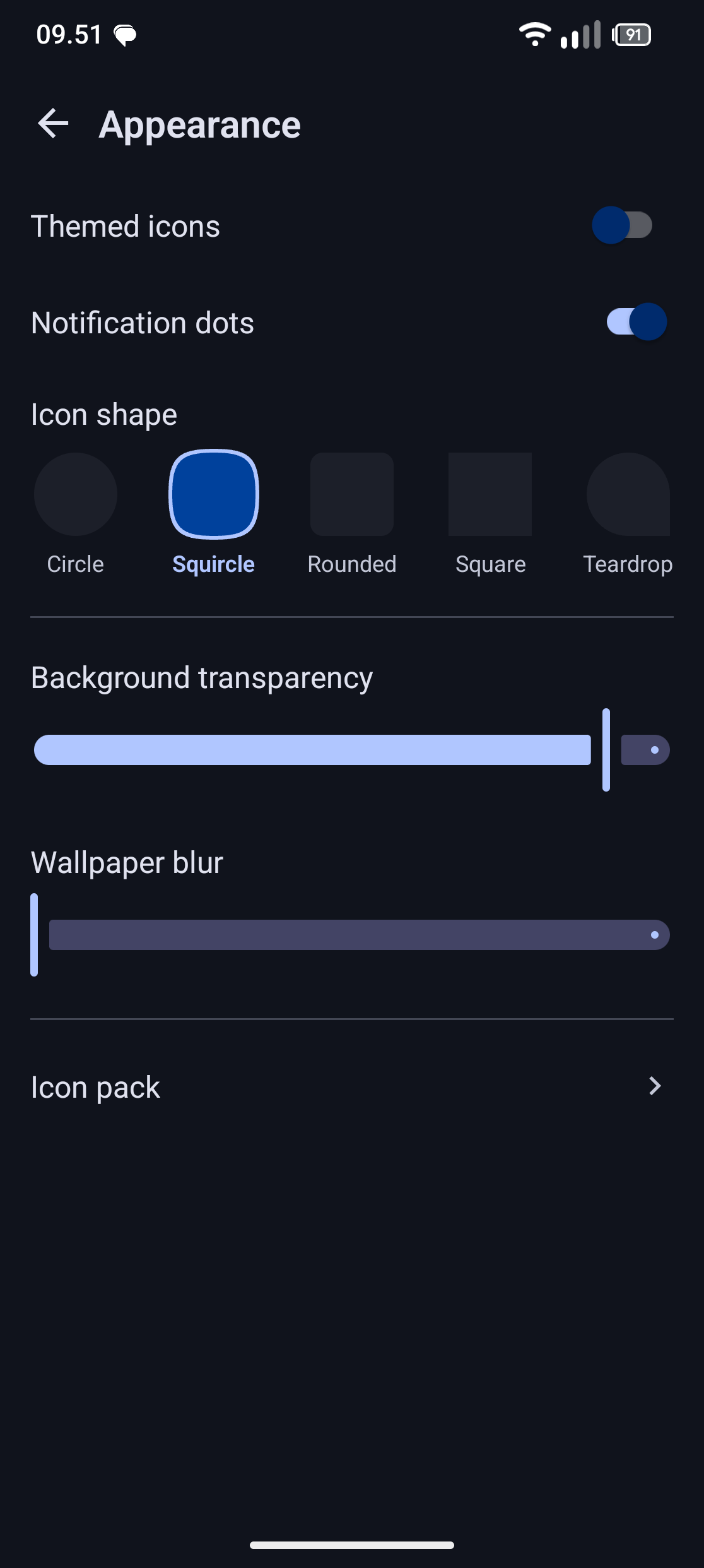
Five icon shapes, third-party icon packs, the system themed-icon layer, or a custom icon for a single app. Optional notification dots.
System, Light or Dark, and your pick of font throughout the launcher.
Turn the background transparency down to let more of your wallpaper through.
Long-press anything you’d rather not look at and it leaves the list. Still installed, just out of the way.
Save your whole setup to a file and put it back on a new phone.